If you’ve ever thought to yourself, “Why aren’t some of my pages showing up in the Google search results?” More often than not, you’ve written an amazing piece of content, and the issue really just boils down to one thing: crawlability. Think of crawlability like a welcoming door to your website for search engines. If bots can’t get through the door, move around your site easily, or keep hitting walls, your pages aren’t going to get indexed.
Crawlability is not about using complicated hacks; it’s about getting your website to be simpler for users, easier to navigate, and easier for Google to crawl—just as if you were to walk through a well-organized home, you can easily navigate your way through.
What Crawlability Really Means (Without the Technical Confusion)
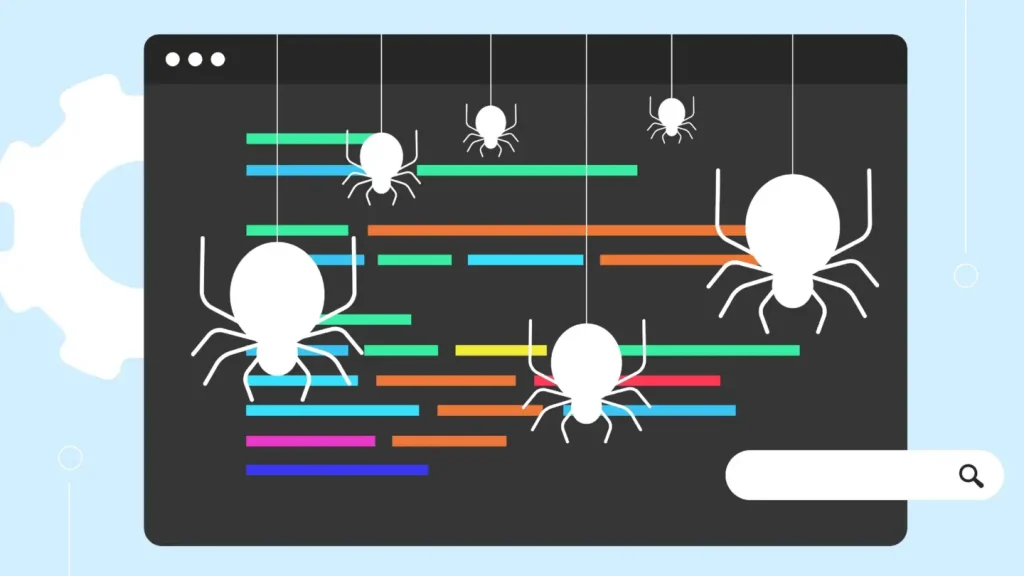
Crawlability refers to how smoothly search engine bots can visit your website and move from one page to another. Imagine a librarian trying to walk through a library:
- If the books are neatly arranged, they can find everything.
- If aisles are blocked or books are mislabeled, they get confused.
- If rooms are locked, they can’t catalog what’s inside.
Google works the same way.
Your job is to make sure the “aisles” and “rooms” of your site are open, organized, and easy to navigate.
1. Start With a Clean, Simple Website Structure
In all, a crawler should be able to read and understand the whole website with little effort. Good crawlability starts with structure that makes sense for both humans and search engines.
Think in layers
A simple structure looks like:
- Home
- Main category
- Subcategory
- Individual pages
- Subcategory
- Main category
This creates a natural flow. Search engines love it because it prevents them from getting lost in unnecessary depth.
Why this matters
If any important page is buried too deep (for example, four or five clicks away from the homepage), Google may ignore it or crawl it less often.
A tip that works beautifully
Try to keep important pages no more than 2–3 clicks away from the homepage.
2. Internal Links: Your Website’s Roadmap for Google
Internal linking is one of the most underrated crawlability boosters.
Here’s how to use internal links naturally:
- Link related pages whenever they make sense — not forcefully.
- If you publish blogs, link older posts inside new ones and vice versa.
- Use descriptive anchor text like “Technical SEO Guide” instead of “click here.”
When Google crawls a page, it follows links like footsteps. The more clear, meaningful links you provide, the easier it is for crawlers to discover your content.
What to avoid
Broken links (404 pages) create dead ends. Make sure you audit your site every few weeks to fix them.
3. Create an XML Sitemap and Keep It Updated
Your sitemap is like a cheat sheet for Google — it lists the pages you want crawled and tells search engines where to start.
If you’re using WordPress, tools like Yoast or Rank Math generate sitemaps automatically. For custom-built sites, create one manually or through your CMS.
Once your sitemap is ready:
- Submit it to Google Search Console
- Resubmit after major changes
- Make sure it contains only live, indexable URLs
Keeping your sitemap clean ensures Google doesn’t waste time on broken, redirected, or duplicate pages.
4. Check Your Robots.txt (A Small File That Can Make a Huge Difference)
Your robots.txt file tells search engines what they can and cannot crawl. A small mistake here can block your entire website from being crawled.
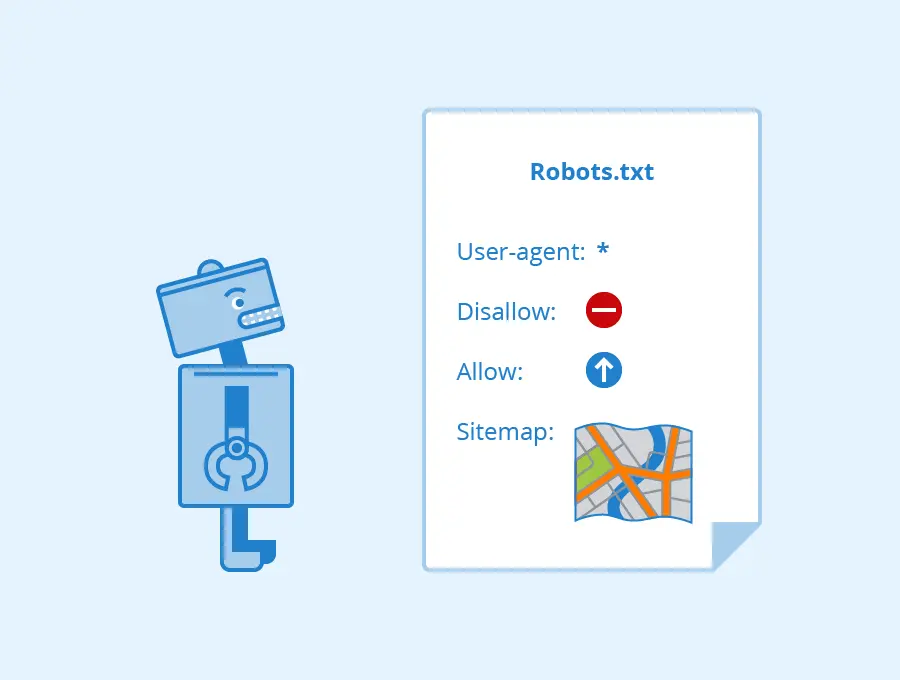
Common mistakes include:
- Accidentally blocking important folders
- Blocking CSS or JS files
- Preventing Google from crawling blog directories
- Using “Disallow: /” on live sites
Robots.txt should guide Google — not confuse it.
If you’re unsure, keep it simple and only block pages that should remain private (like admin pages).
5. Improve Your Page Speed — A Silent Crawlability Booster
Google crawls fast sites more often because they’re easier and cheaper to process. Slow sites force bots to wait, and when time runs out, they simply leave.
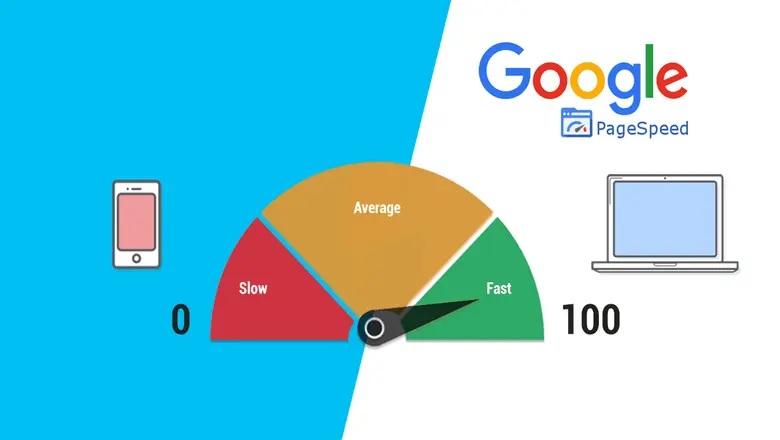
Ways to improve speed naturally:
- Use compressed images (WebP format works great)
- Minify scripts and styles
- Use lazy loading for images
- Reduce unnecessary plugins
- Consider a CDN
A faster site improves not just crawlability but user experience and rankings too.
6. Make Sure Your Site Is Fully Mobile-Friendly
Google now uses mobile-first indexing, meaning it crawls the mobile version of your website first.
If your mobile layout breaks, loads slowly, hides content, or uses intrusive pop-ups, Google might struggle to crawl or understand the content properly.
Ask yourself:
Does my mobile site feel like a simplified version of my desktop site — or a downgraded version?
Aim for clean formatting, easy navigation, and readable text.
7. Fix Duplicate Content Before It Damages Crawl Budget
Duplicate content makes search engines unsure which page to prioritize.
For sites with product pages, blog categories, or tag archives, duplicates appear more often than you think.
To fix this naturally:
- Merge similar pages
- Use canonical tags
- Rewrite thin or repetitive content
- Avoid generating unnecessary tag or archive pages
Google wants unique, valuable content — not multiple versions saying the same thing.
8. Refresh or Remove Low-Value Pages
Every website collects unnecessary pages over time: outdated blogs, test pages, unfinished drafts, thin content, empty categories, etc.
These pages waste your crawl budget.
The solution is simple:
- Improve pages that have potential
- Remove pages that offer no value
- Redirect deleted pages to relevant alternatives
A cleaner site gets crawled faster and more frequently.
9. Avoid Long Redirect Chains
A simple redirect from old to new pages is fine.
But when pages redirect multiple times (A → B → C → D), crawlers get stuck.
Keep redirects clean:
Old URL → Final URL
That’s it.
Reducing redirect chains speeds up crawling and ensures Google sees the correct version of each page.
10. Build Backlinks to Boost Crawl Frequency
You may or may not be surprised that backlinks help Google find your website more often. When other reputable sites link out to your content, Googlebot follows these links—yielding more visits to your site, thus crawling and indexing your pages more often.
Natural ways to build backlinks:
- Publish helpful blogs
- Share guides on social media
- Answer questions on forums
- Collaborate with local businesses
- Be active in your niche communities
You don’t need hundreds of backlinks — a few quality ones make a big difference.
Final Thoughts: Making Your Site Crawl-Friendly Is an Ongoing Process
Improving crawlability isn’t something you fix once and forget.
It’s more like maintaining a home: cleaning up old pages, organizing structure, fixing broken links, and making sure everything runs smoothly.
When your website becomes easy for Google to crawl:
- Your pages get indexed faster
- Your rankings improve naturally
- Your traffic becomes more consistent
- Your site becomes easier to manage
A crawl-friendly website is the backbone of strong SEO.